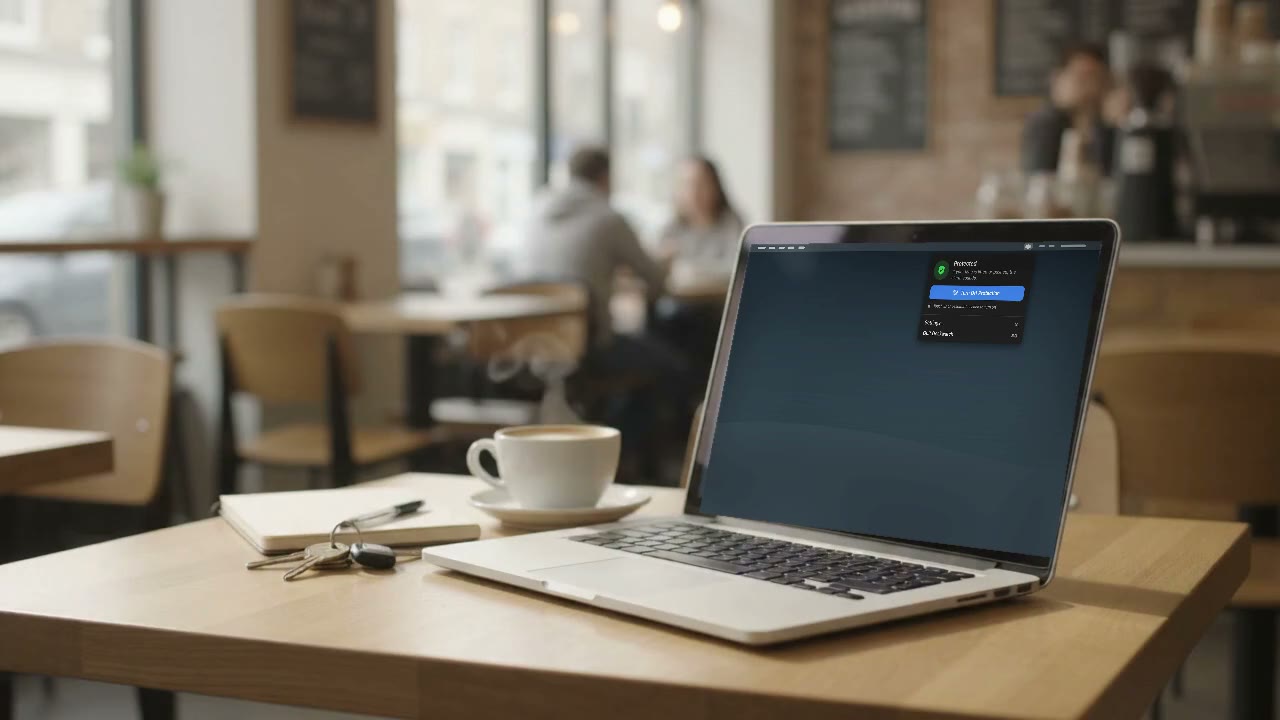
Walk away from your MacBook.
Deskwatch is a theft alarm for your Mac. If anyone picks it up while you are away, a full-volume siren goes off and the screen locks. Only your Touch ID can stop it.
$4.99 once, no subscription. For Apple silicon MacBooks on macOS 15 or later.
What happens when someone grabs it
- Protected
- Picked up
- Alarm
Scroll to pick it up
Arm it in one click
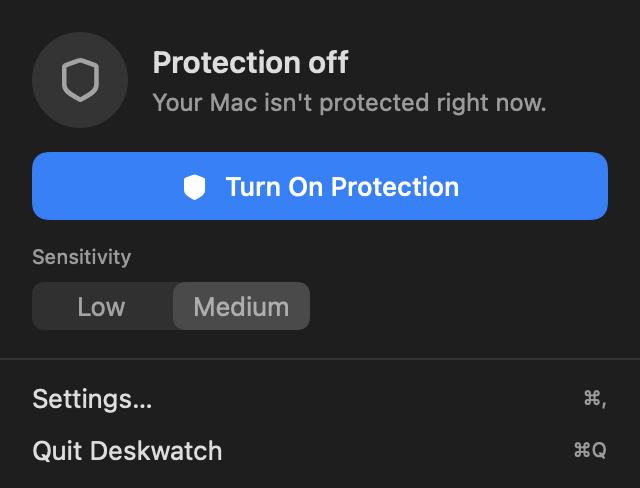
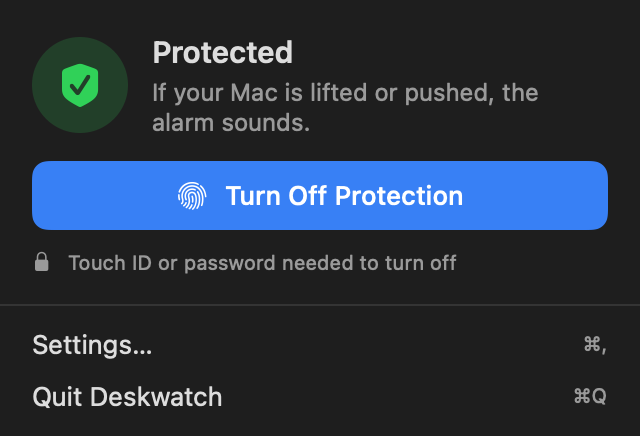
Click the shield in the menu bar and keep your hands off for ten seconds while it learns how still your table is. Then go get your coffee. The lid stays open and your Mac stays awake.
If it moves, everyone hears it
The siren plays at maximum volume no matter where your volume slider was, and the screen locks at the same moment. Nothing on it is reachable, and nobody can pretend they did not hear it.
Five seconds of the real alarm. Turn your volume down first.
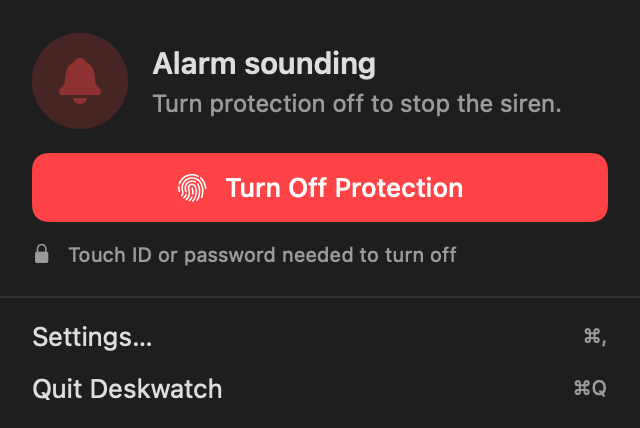
Only your Touch ID stops it
Turning protection off, quitting the app, or changing a setting all ask for your Touch ID or password. A thief cannot close it, mute it, or talk their way past it.
Worth knowing
- Knows a bump from a grab
- Typing, table knocks and a dropped mug are ignored. Lifting or shoving the Mac is not.
- Nothing leaves your Mac
- No account, no cloud, no internet. Nothing is collected.
- Runs a Shortcut
- Trigger any Shortcut when the alarm fires: message yourself, log the time, anything.
- Lives in the menu bar
- No Dock icon and no windows in your way. One click on, one Touch ID off.
One price, then it is yours
No subscription. One key activates Deskwatch on one Mac, and you keep every update to version 1. Not for you? Full refund within 14 days.
For Apple silicon MacBooks on macOS 15 or later.
Questions
- What if I pick it up myself?
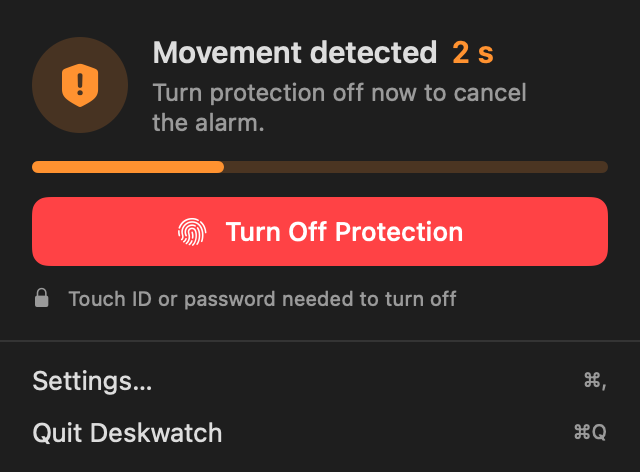
- You get a short countdown with a ping each second. Turn protection off with Touch ID and the siren never plays. You can also set it to fire immediately.
- Will it go off when someone bumps the table?
- No. It is tuned so that knocks, dropped objects and typing do not trigger it. Only the machine itself being lifted or pushed does.
- Does it work with the lid closed?
- No. Closing the lid puts every Mac to sleep, and a sleeping Mac cannot sense anything. Leave it open on the table, the way you would anyway.
- Can a thief just quit the app?
- Not without your Touch ID or password. Quitting, disarming and settings are all locked while protection is on, and the screen locks the moment the alarm fires.
- Which Macs does it support?
- Apple silicon MacBooks, M1 and later, on macOS 15 or later. It uses the motion sensor already built into those machines, so there is nothing to plug in.
- Does it drain the battery?
- It keeps the Mac from sleeping while protection is on, which is the only real cost. Deskwatch itself uses almost nothing.
- What if I get a new Mac?
- Your key moves with you. Turn the licence off in Settings on the old Mac, which frees the key, then paste it on the new one. If the old Mac is gone before you could do that, email us and we will free it for you.
Ten seconds to set up. Then go get your coffee.
Buy Deskwatch $4.99Version 1.0. For Apple silicon MacBooks on macOS 15 or later.